10 SaaS Spend Management Features MSPs Need in 2026
 Michelle Katz
·
5 minute read
Michelle Katz
·
5 minute read
The most important SaaS spend management features for MSPs in 2026 include automated shadow IT discovery, bank data integration, subscription renewal tracking, license utilization reporting, and a centralized vendor management dashboard. Together, these capabilities give MSPs the visibility to manage client software spend proactively rather than reactively.
Managing client technology stacks has become one of the most operationally demanding parts of running an MSP. The average SMB now runs dozens of SaaS subscriptions across departments, many of which were never formally approved or documented. That fragmentation creates real risk: missed renewals, overbilling, redundant tools, and clients who have no clear picture of what they are paying for.
Effective SaaS spend management is not just about tracking invoices. It requires visibility across usage, spend, contracts, and renewals in one place, with the depth to take action on what you find. Below are the ten features that separate capable software expense intelligence platforms from basic tracking tools.
1. Automated Shadow IT Discovery
Automated shadow IT discovery identifies every SaaS application running in a client environment, including tools that were never formally procured or documented, without requiring employees to self-report. A platform that performs this automatically surfaces the complete scope of a client's software stack as the baseline for everything else.
MSPs cannot manage what they cannot see. Shadow IT discovery is the foundation. Every other feature on this list depends on having a complete and current picture of what is running across each client account.
2. Bank Data and SaaS Subscription Integration
Bank data and SaaS subscription integration is the direct connection between a spend management platform and a client's bank or credit card feeds, which allows the platform to automatically detect recurring SaaS charges and match them to known vendors. This captures spending that bypasses formal procurement, including tools paid on personal cards or departmental budgets.
Without this integration, any subscription that does not flow through a central purchasing process stays invisible. Platforms that ingest transaction data can flag new subscriptions as they appear and give MSPs a financial view of the stack that complements usage data from other sources.
3. Subscription Renewal Tracking
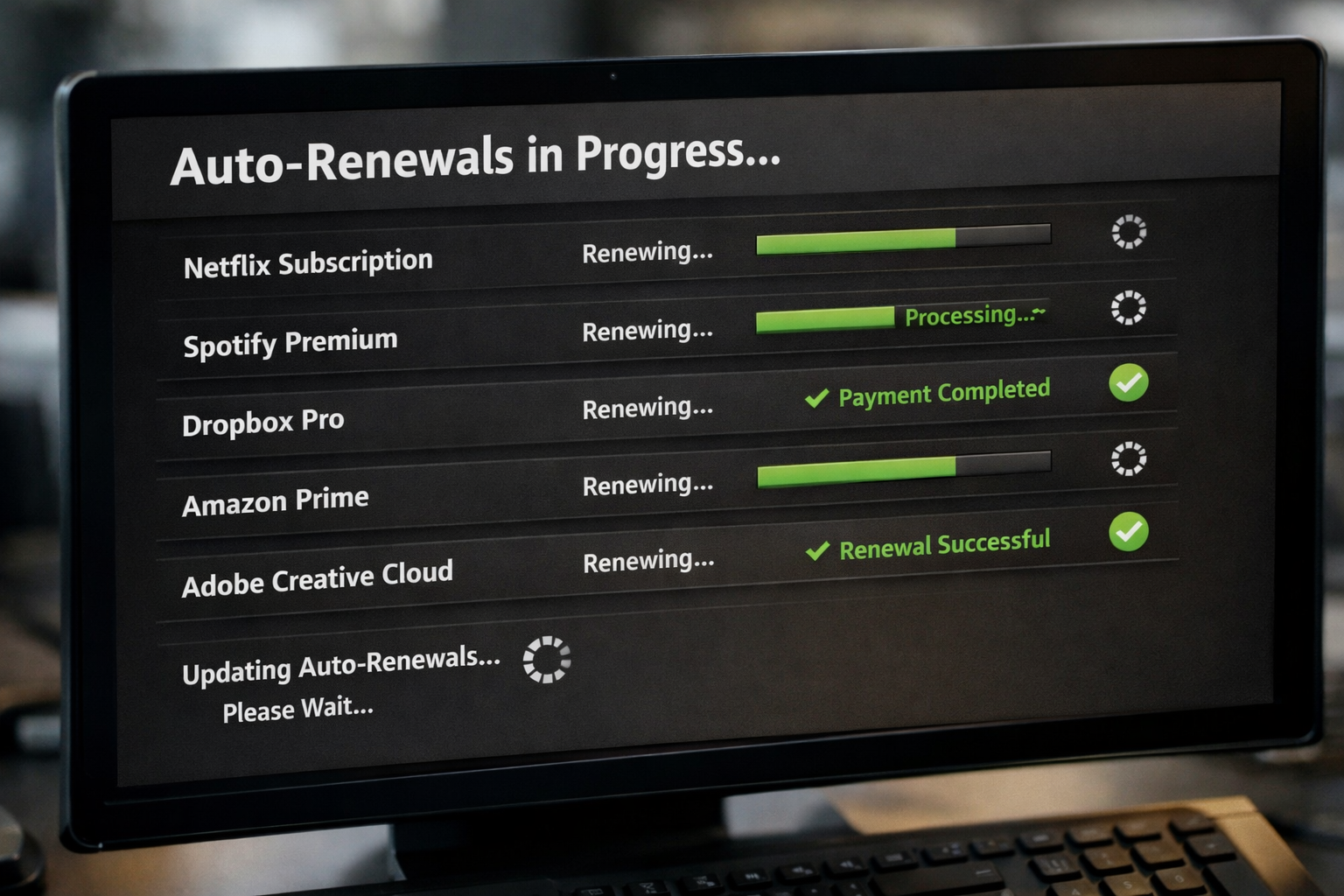
Subscription renewal tracking is a real-time view of upcoming contract end dates across every managed client, with automated alerts calibrated to fire well ahead of auto-renewal windows. It surfaces renewal dates alongside usage data so decisions can be made before an invoice is issued.
Missed renewals are one of the most common and preventable sources of client overspend. An MSP that brings a client a renewal recommendation 60 days early delivers a meaningfully different value than one that surfaces the issue the week before the charge hits.
4. License Utilization Reporting
License utilization reporting is a per-user view of which software seats are actively used and which have gone dormant, drawing from real application activity rather than license assignment records alone. For high-cost platforms like Microsoft 365, security suites, or design tools, even modest right-sizing can recover significant monthly spend.
This feature is particularly valuable for MSPs billing on a per-seat basis. Utilization data gives you the specifics to justify adjustments and document the financial outcome for the client.
5. Vendor Management Dashboard
A vendor management dashboard for MSPs is a centralized interface that consolidates vendor contracts, spend data, renewal dates, and contact records across all managed clients in a single view, without requiring staff to log into separate client portals one at a time.
This matters operationally. The alternative is toggling between environments, maintaining parallel spreadsheets, and accepting that something will fall through the gaps. A purpose-built multi-client dashboard is one of the clearest indicators that a platform was designed for MSP use cases from the start.
6. Contract and Document Storage
Contract and document storage is a centralized repository for vendor agreements, pricing terms, and cancellation policies, attached directly to the relevant vendor and renewal records rather than filed separately. Knowing a renewal date is useful only when the supporting documentation is accessible without searching through inboxes or shared drives.
This becomes especially important when vendor contacts change or when a client needs to escalate a billing dispute. The documentation needs to be attached to the relevant record, not dependent on institutional memory.
7. Microsoft 365 Integration for Real Usage Data
Microsoft 365 integration pulls actual usage signals from the platform rather than relying on license assignment records, so MSPs can see which users are actively engaging with the tools a client is paying for. Native integration delivers this data in real time, not as a monthly export.
Microsoft 365 is the most common productivity suite in the SMB market, and seat counts drift quickly. Real-time integration means the data is current and actionable, tied to the broader spend picture rather than siloed in an admin portal.
8. Client Technology Stack Documentation
Client technology stack documentation is a structured, current record of every application running in a client environment, organized in a format that is readable to both technical staff and the client stakeholders who review it. It is produced as an output of the discovery process, not maintained as a separate manual effort.
For MSPs, a well-maintained stack record supports QBRs, informs security reviews, simplifies onboarding when clients add staff, and creates a defensible audit trail of what is running in each environment.
9. Portfolio-Level Spend Visibility
Portfolio-level spend visibility is an aggregate view of software subscription costs across an MSP's entire book of business, not just per-client dashboards, so you can identify trends, flag clients approaching spend thresholds, and benchmark spending patterns by company size or industry.
This kind of visibility supports proactive client conversations. When you can show a client how their spend has changed over 12 months or how it compares to similar organizations, the discussion moves from reactive cost review to strategic planning.
10. Savings Documentation and Reporting
Savings documentation is a logged record of every dollar recovered from a client's SaaS stack, including reductions from eliminated licenses, renegotiated contracts, and removed redundancies, maintained over time so outcomes are provable at renewal. Platforms that produce this automatically give MSPs the evidence they need to demonstrate ROI without assembling it manually.
This is not a reporting formality. It is the evidence base for renewing managed service agreements and expanding scope. When a client asks what they are getting for their monthly fee, a savings report with specific line items is a more compelling answer than a general description of services.
What to Look for in a SaaS Spend Management Platform in 2026
Not every platform delivers on all ten of these capabilities. The tools worth evaluating for MSP use cases are those built for multi-client management from the start, not single-tenant products that require workarounds to manage more than one organization at a time.
Prioritize bank data integration, subscription renewal tracking, and a unified vendor management dashboard. Those three capabilities address the most common failure modes: invisible spend, missed auto-renewals, and fragmented visibility across clients.
The MSPs gaining ground in 2026 are the ones turning SaaS data into a managed service in its own right, not just a line item on a quarterly review.
Frequently Asked Questions
What is SaaS spend management for MSPs?
SaaS spend management for MSPs is the process of tracking, analyzing, and optimizing software subscription costs across managed client environments. It includes discovery of all active applications, monitoring of license utilization, renewal tracking, and documentation of savings outcomes. Effective SaaS spend management gives MSPs the data to reduce client overspend and demonstrate measurable value.
How do MSPs track SaaS renewals across multiple clients?
MSPs track SaaS renewals across multiple clients using a centralized renewal tracking dashboard that aggregates contract end dates from all managed accounts and sends automated alerts ahead of auto-renewal windows. The most effective platforms attach renewal alerts to utilization data, so MSPs can make an informed recommendation before the charge is issued rather than after.
What is shadow IT and why does it matter for MSPs?
Shadow IT refers to software applications that employees adopt without formal IT approval or procurement. It matters for MSPs because unauthorized tools represent untracked spend, potential security exposure, and data that sits outside the managed environment. Automated shadow IT discovery surfaces these applications without requiring self-reporting, giving MSPs a complete picture of what is running in each client account.
What is the difference between SaaS spend management and a PSA or RMM?
A PSA (Professional Services Automation) tool manages ticketing, billing, and service delivery for the MSP itself. An RMM (Remote Monitoring and Management) tool monitors device health and automates endpoint tasks. SaaS spend management focuses specifically on client software subscriptions: what is running, what it costs, how much is being used, and when contracts renew. These are complementary systems, not interchangeable ones.
How does bank data integration improve SaaS spend visibility?
Bank data integration improves SaaS spend visibility by capturing recurring software charges that never entered a formal procurement process. When a platform connects directly to bank and credit card feeds, it can detect new subscriptions as they appear, match charges to known vendors, and surface spending that would otherwise go undocumented. This is particularly important in SMB environments where employees frequently pay for tools on personal or departmental accounts.
What features should an MSP prioritize in a SaaS spend management platform?
MSPs should prioritize automated discovery, bank data and SaaS subscription integration, subscription renewal tracking, a multi-client vendor management dashboard, and savings documentation. These five capabilities address the most common failure points: incomplete visibility, invisible spend, missed renewals, fragmented client management, and the inability to prove ROI. Platforms built specifically for MSP use cases will offer multi-client views as a core feature rather than an add-on.